One word. Total focus.
A gesture-first focus reader for iPhone. One word at a time, dead center on screen, at exactly your pace. No buttons. No toolbars. Nothing competing for your attention.
· interactive demo · tap the screen to play ·
Traditional e-readers show too much text at once. Every toolbar, progress bar, and settings icon pulls your attention away from the words. For people with ADHD, dyslexia, or anyone in a high-stimulation environment, this is a constant fight — and most reading sessions end in re-scanning the same paragraph three times.
Your eye drifts, your place is gone. You re-read the last paragraph and still aren't sure where you were.
Toolbars, chapter headers, percentage meters, settings icons — all competing with the actual words you're trying to read.
Traditional reading forces your pace to match your distractions. There's no friction forcing your eyes to stay on the word.
Import any book, tap to begin, and let the words come to you.
Drop in an EPUB, TXT, or Markdown file from iCloud Drive or your Files app. FlowRead parses it instantly — fully on-device.
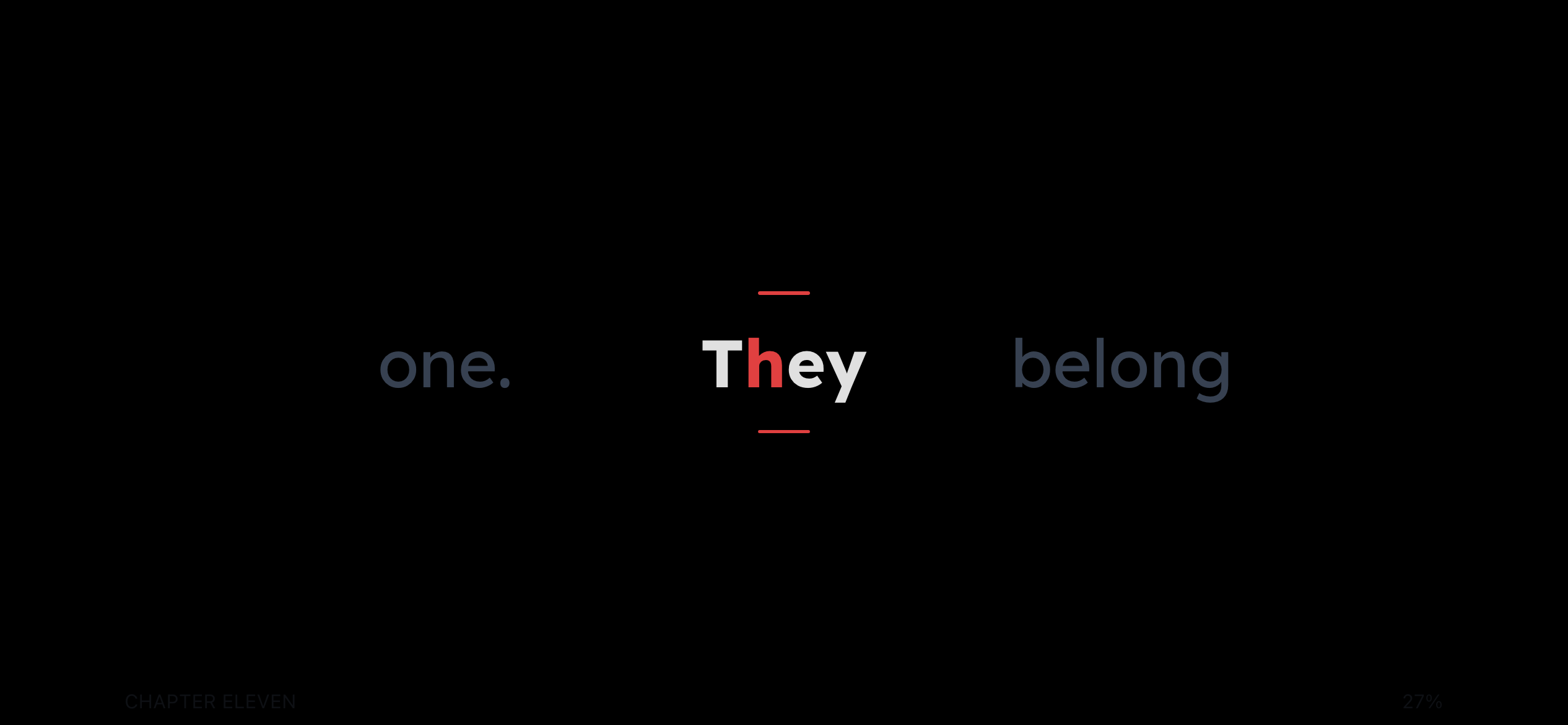
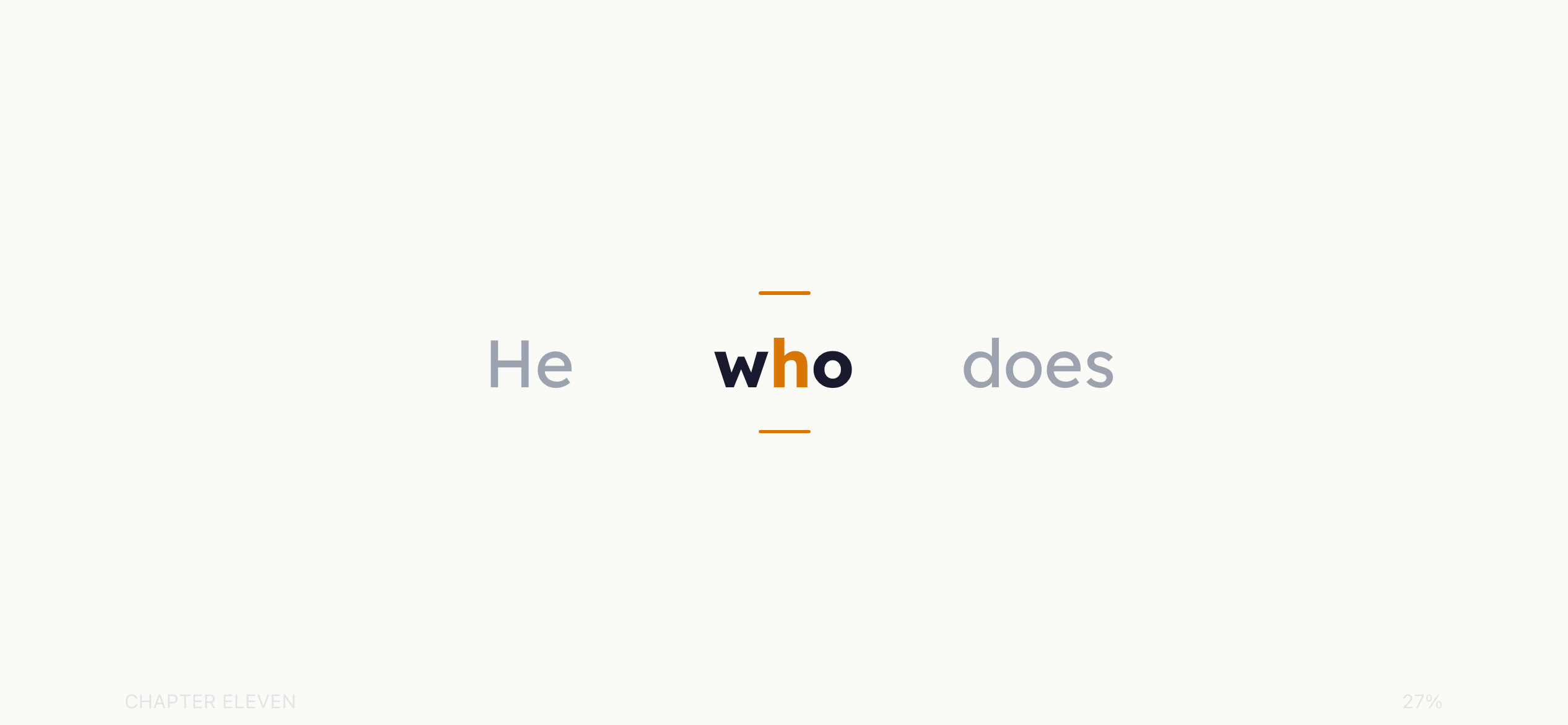
One tap begins the session. Words appear one at a time, dead center. Your eye stays perfectly still. No scanning, no drifting.
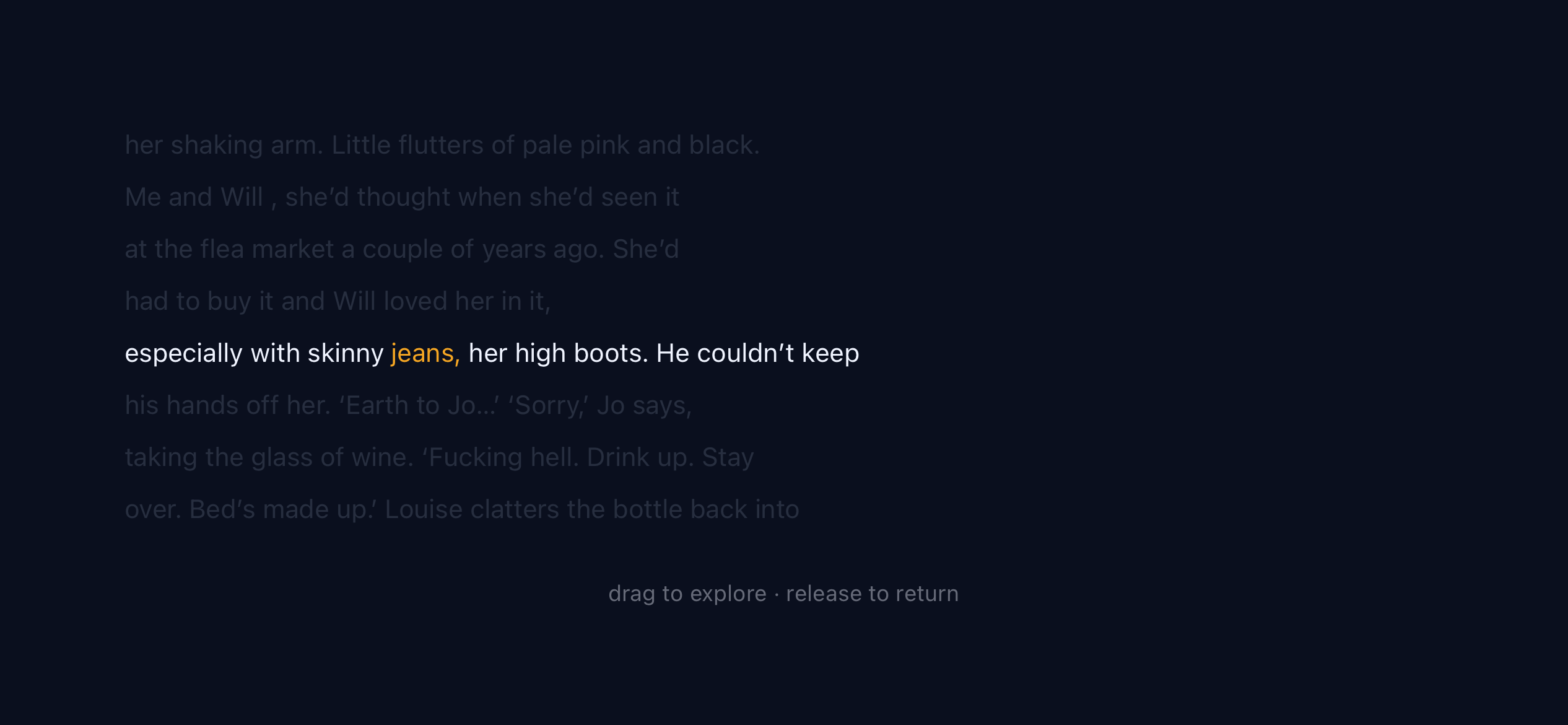
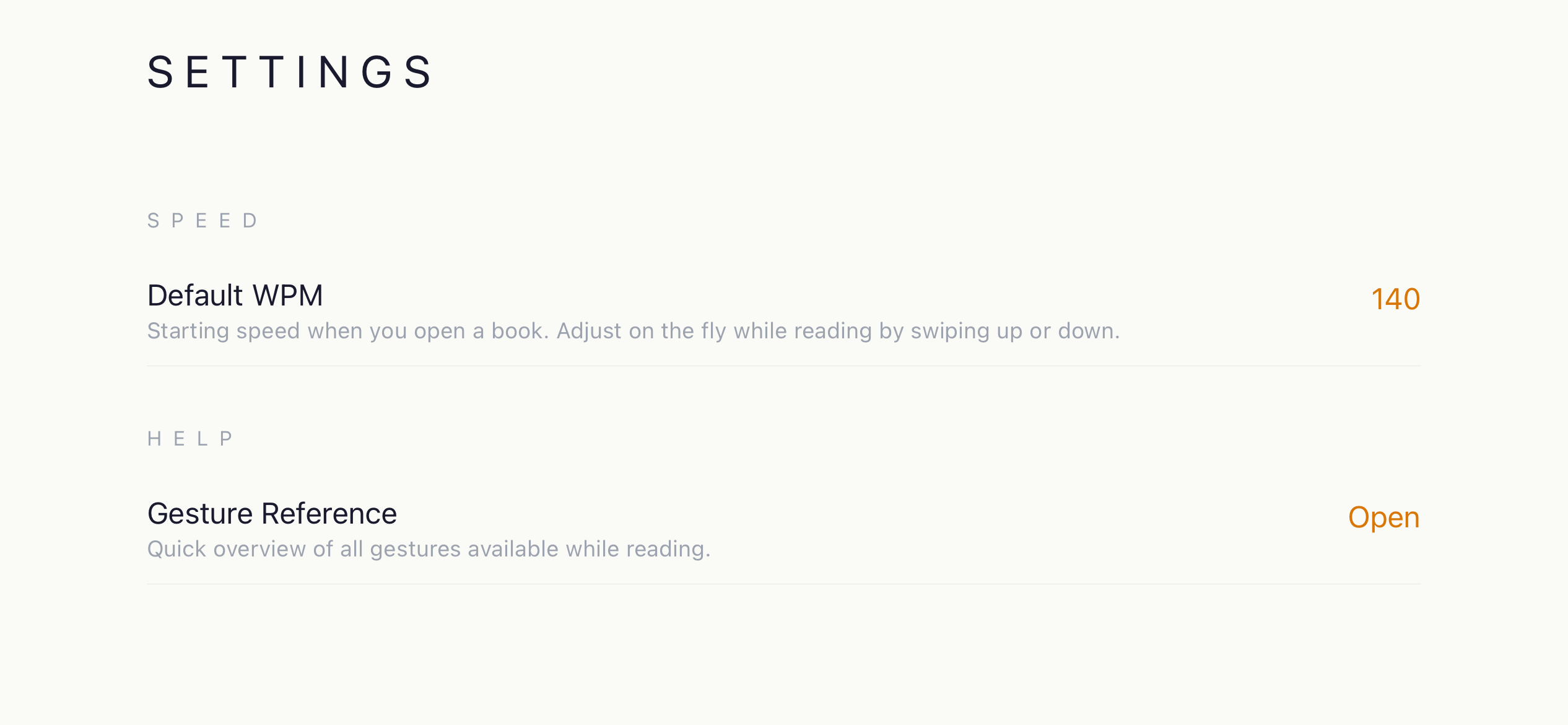
Swipe up to go faster, swipe down to slow down. Lost context? Swipe to see the surrounding paragraph. Your progress saves automatically.
Every action is a gesture — tap, swipe, hold, drag. Nothing on screen but the word you're reading.
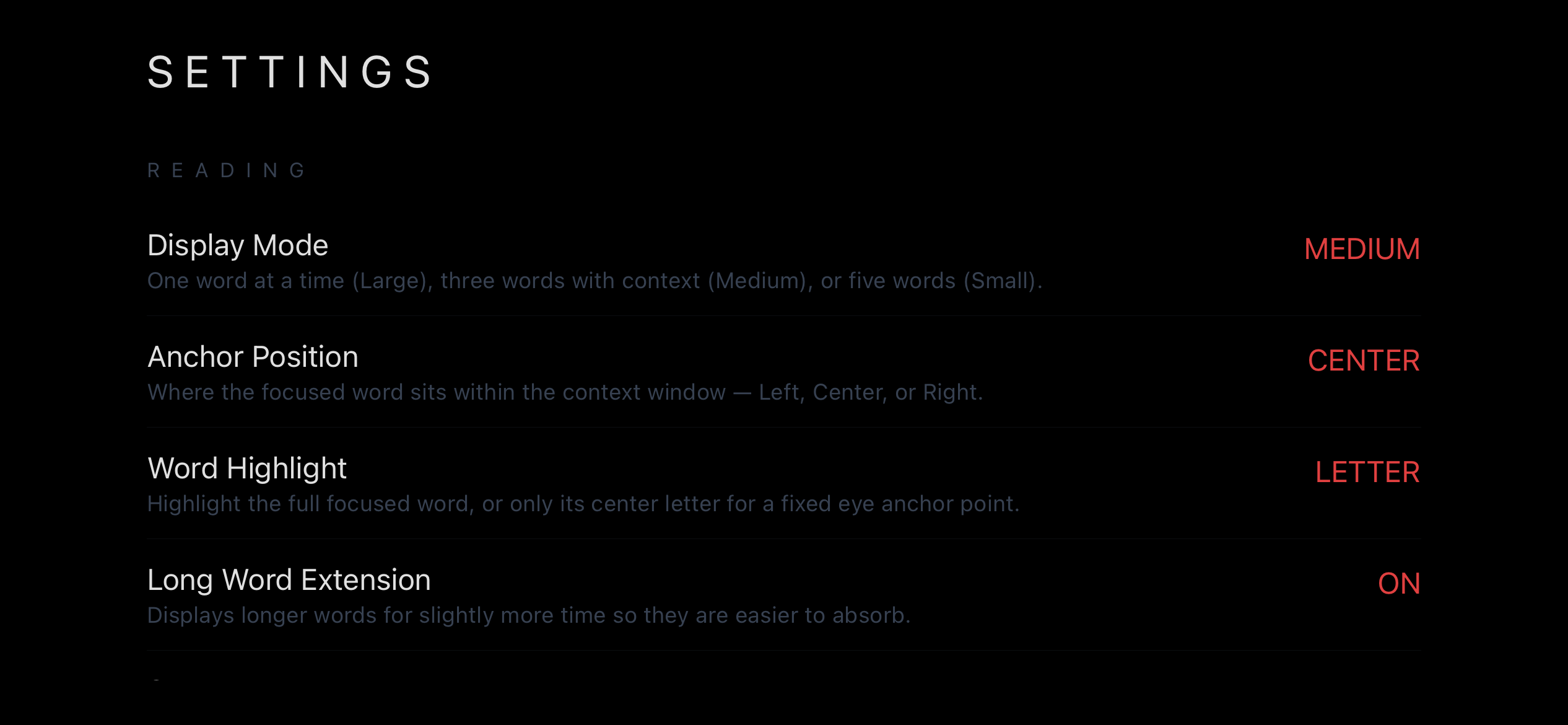
Large (1 word), Medium (3 words), or Small (5 words). Center word always highlighted.
Runs exclusively in landscape — wider reading field, less vertical space, eye locked in one place.
Swipe left for full paragraph context. Drag to scrub through text manually, then release to resume.
Your position per book is saved automatically. The last opened book relaunches on next open.
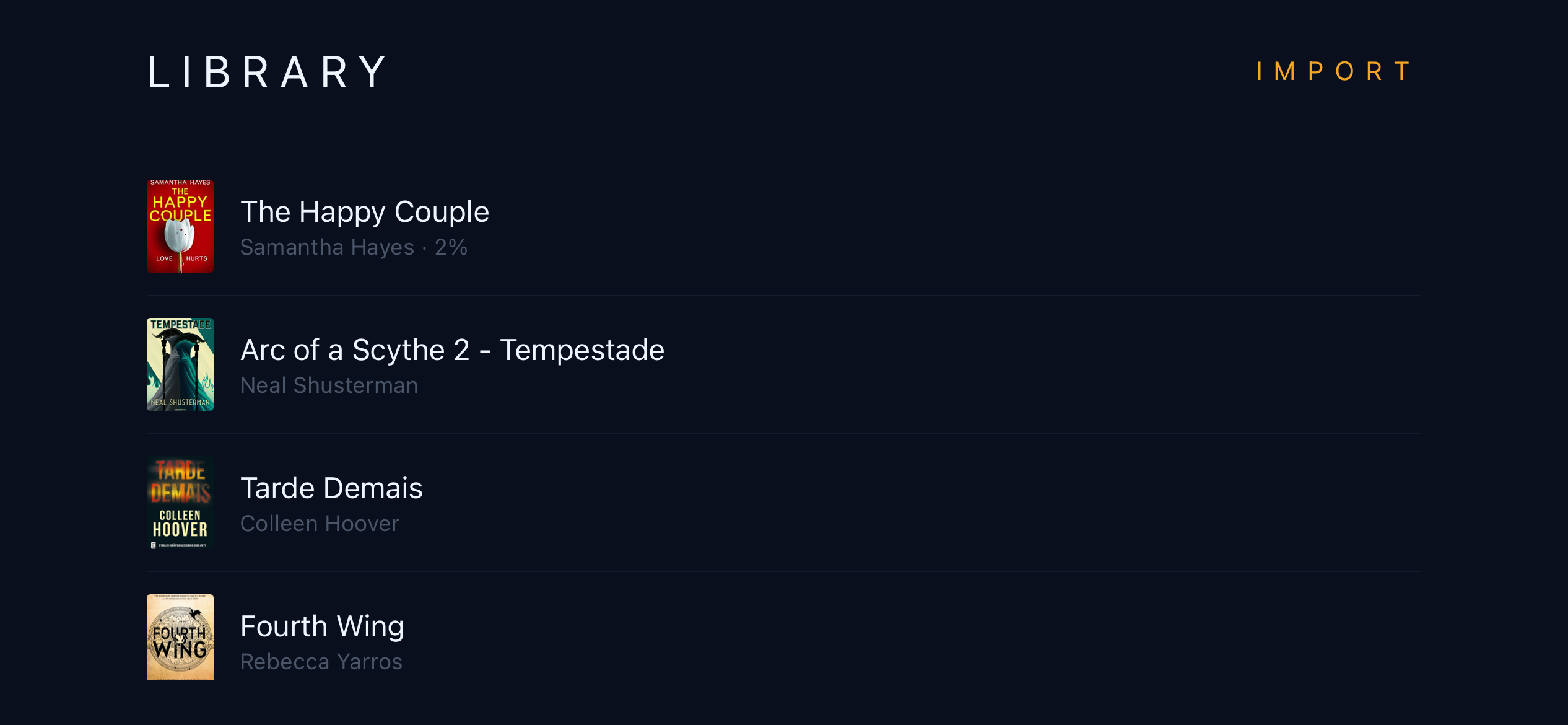
Import from iCloud Drive or local storage. Chapters, metadata, and cover art all extracted automatically.
Every gesture has a distinct tactile response — ramp pulse on start, dial-tick per WPM step, elastic double-pulse at limits.
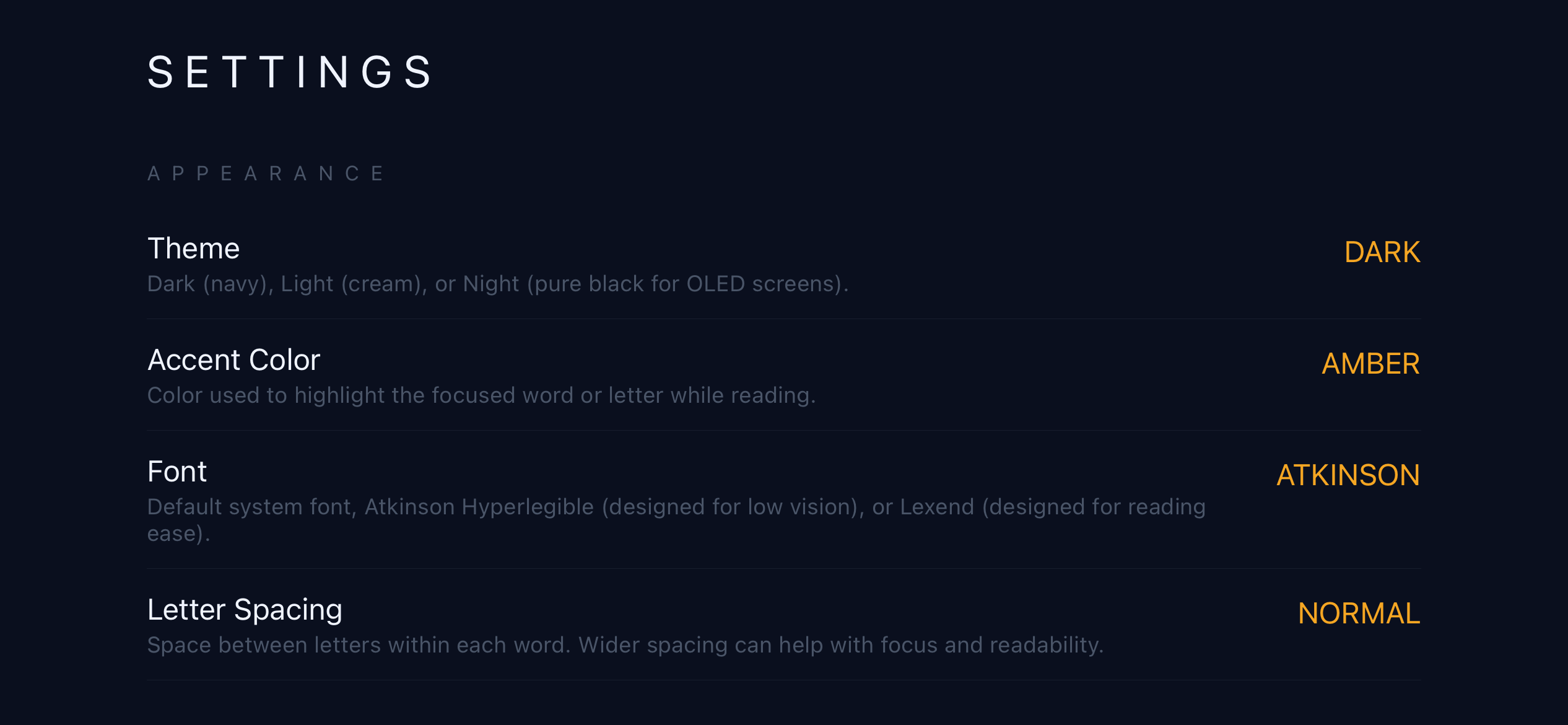
Atkinson Hyperlegible and Lexend bundled. Both designed for low-vision and dyslexic readers.
No account, no server, no sync. Books, progress, and settings live entirely on your device.
| Gesture | Action |
|---|---|
| Tap anywhere | Start / pause reading |
| Swipe up | Increase reading speed (WPM) |
| Swipe down | Decrease reading speed (WPM) |
| Swipe left | Enter Context / Skim View |
| Drag in Skim View | Scrub through text (left = back, right = forward) |
| Long press (paused) | Open navigation menu |
| Swipe right (in menu) | Close menu / return to reader |
No accounts. No tracking. No network requests — ever. All data is stored locally via SQLite and the iOS file system. Nothing leaves your phone.
Read the privacy policy