iPhone · iOS · Coming soon

Track expenses without the effort.

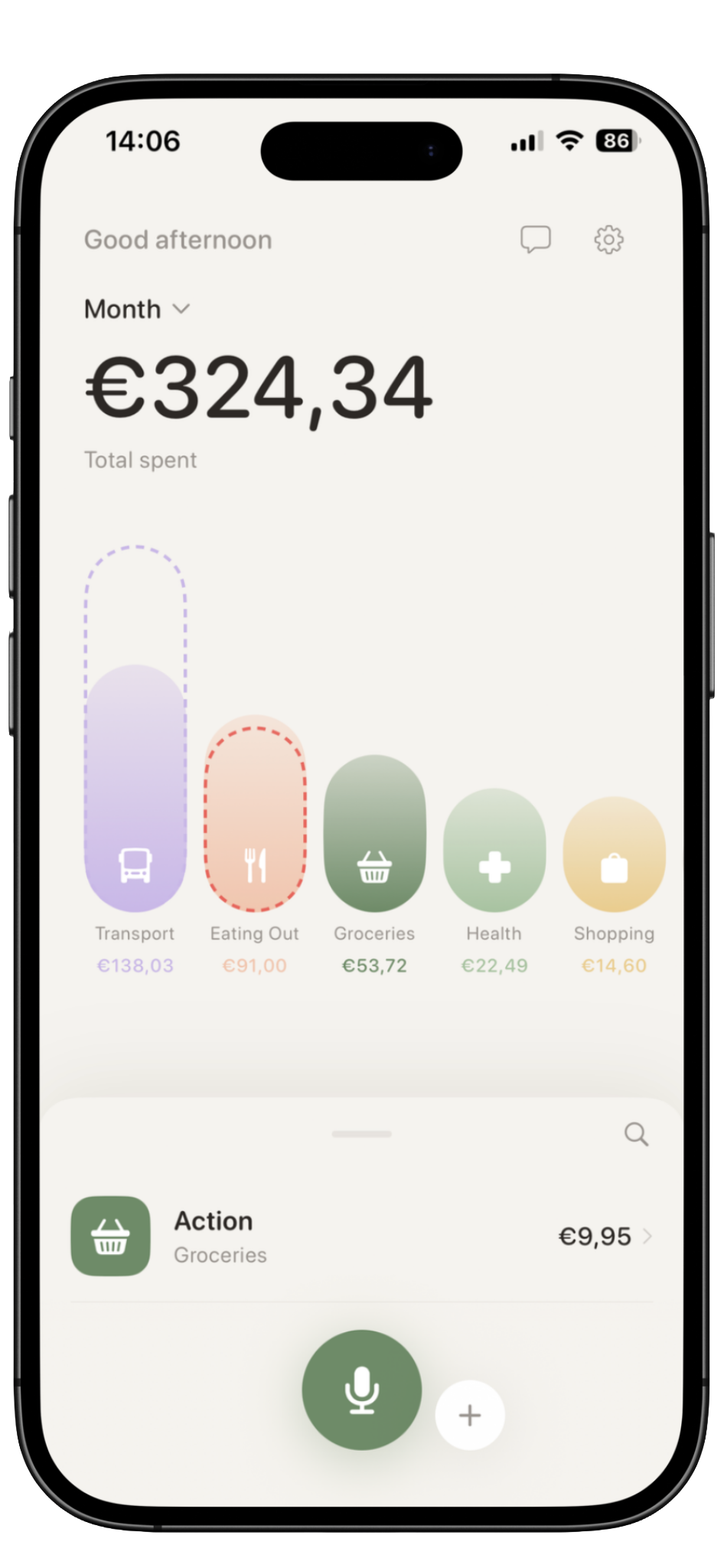
Kira is a private expense tracker for iPhone. Speak, scan, or quickly add expenses — Kira organizes them into calm category views.

Local-first No bank connection required AI only when you ask for it
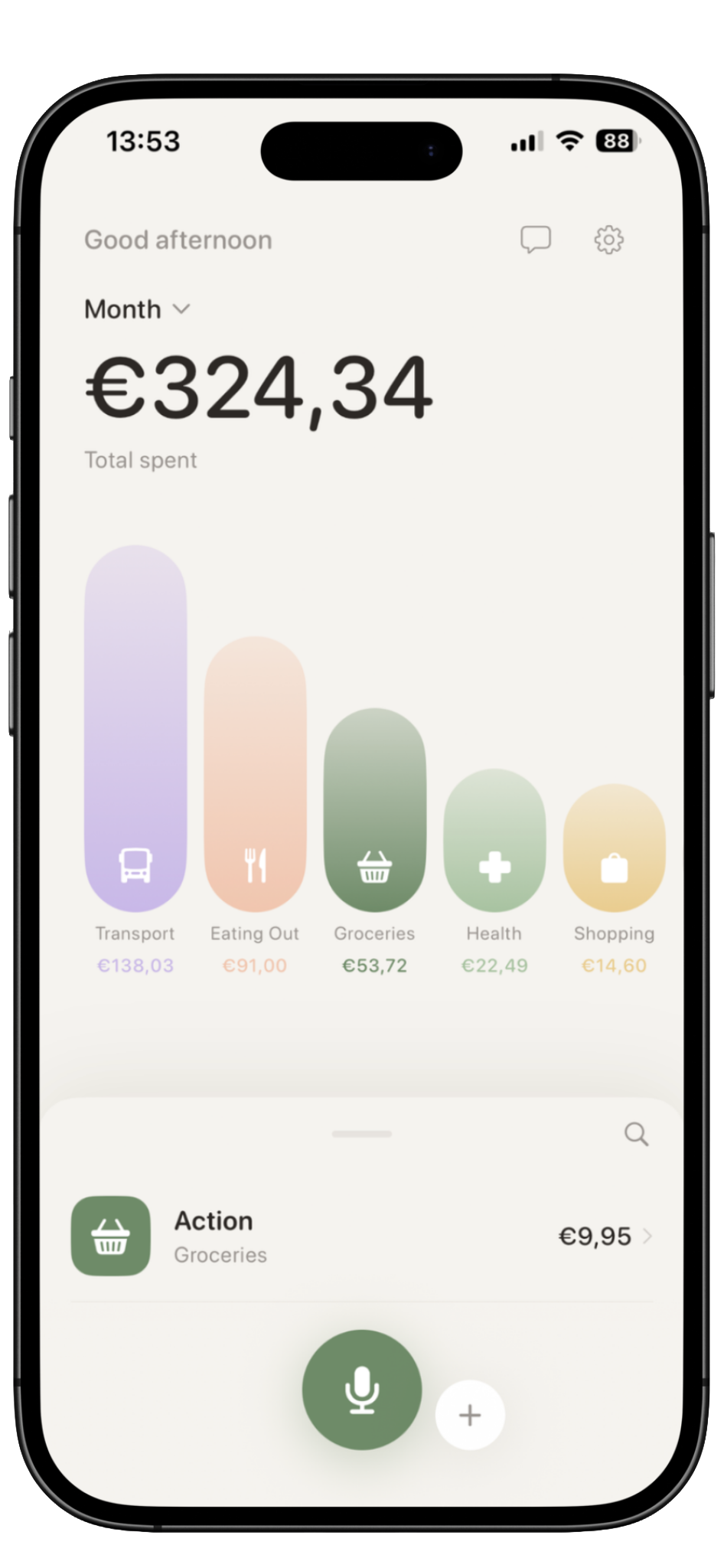
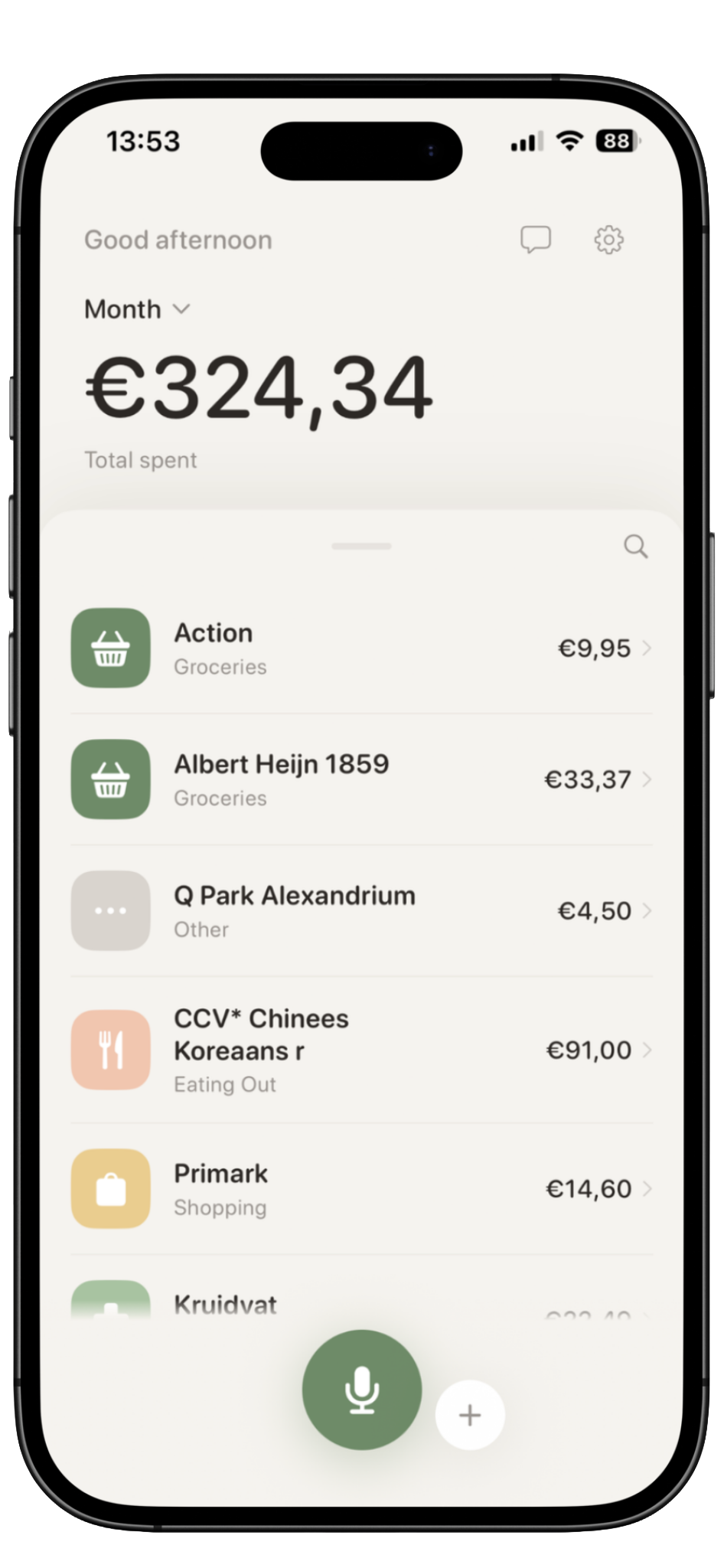
Kira home screen showing expense overview with category bars

Expense tracking usually fails because it takes too much effort.

Most apps expect you to remember every purchase, fill out forms, and check dashboards. Kira is built around the opposite idea: capture expenses naturally, then stay gently aware.

You forget small purchases

Coffee, groceries, parking, subscriptions — they add up before you notice.

📋

Manual entry feels like work

Kira lets you speak, scan, or quickly tap it in.

📊

You want clarity, not complexity

Simple category bars show where your money is going.

Three easy ways to log an expense.

Capture in seconds. Kira handles the rest.

01

Speak naturally

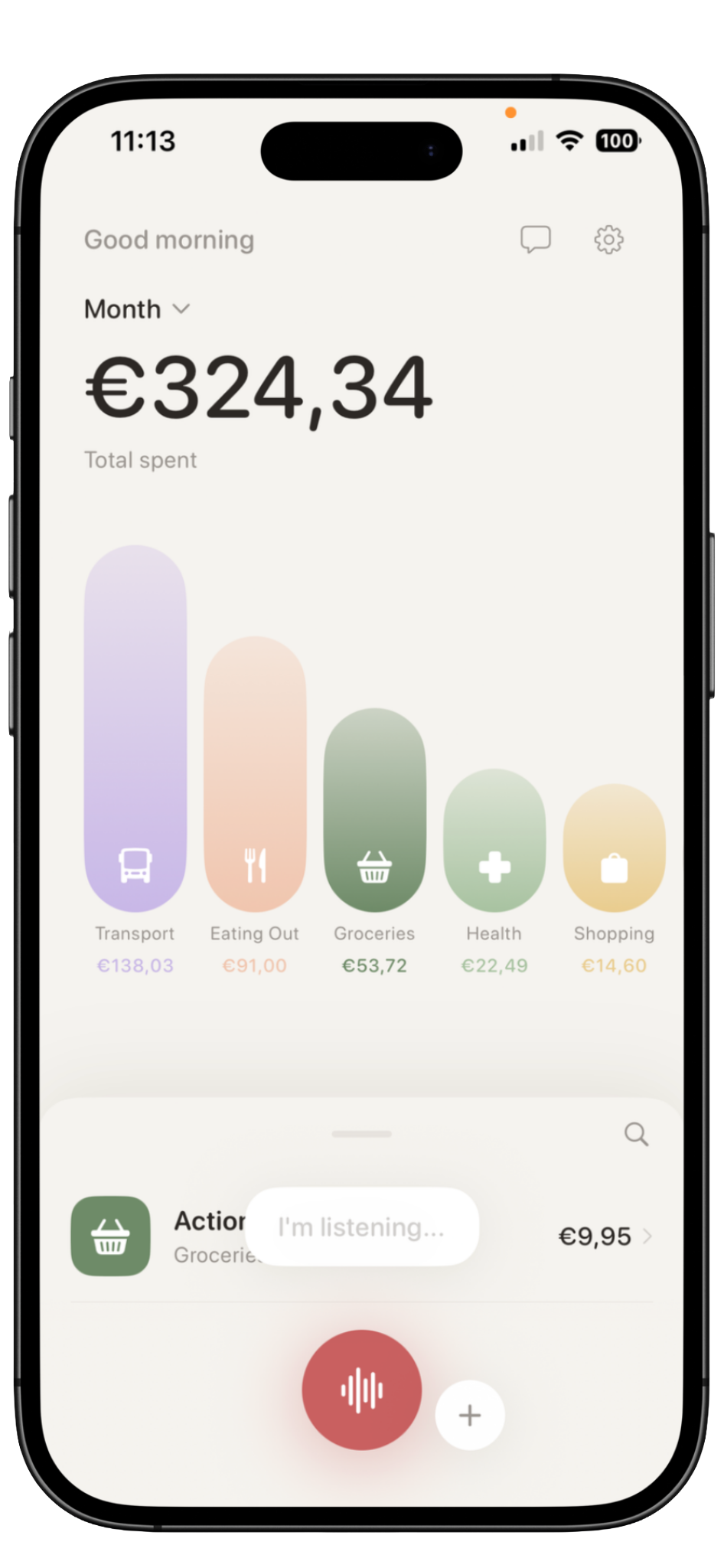
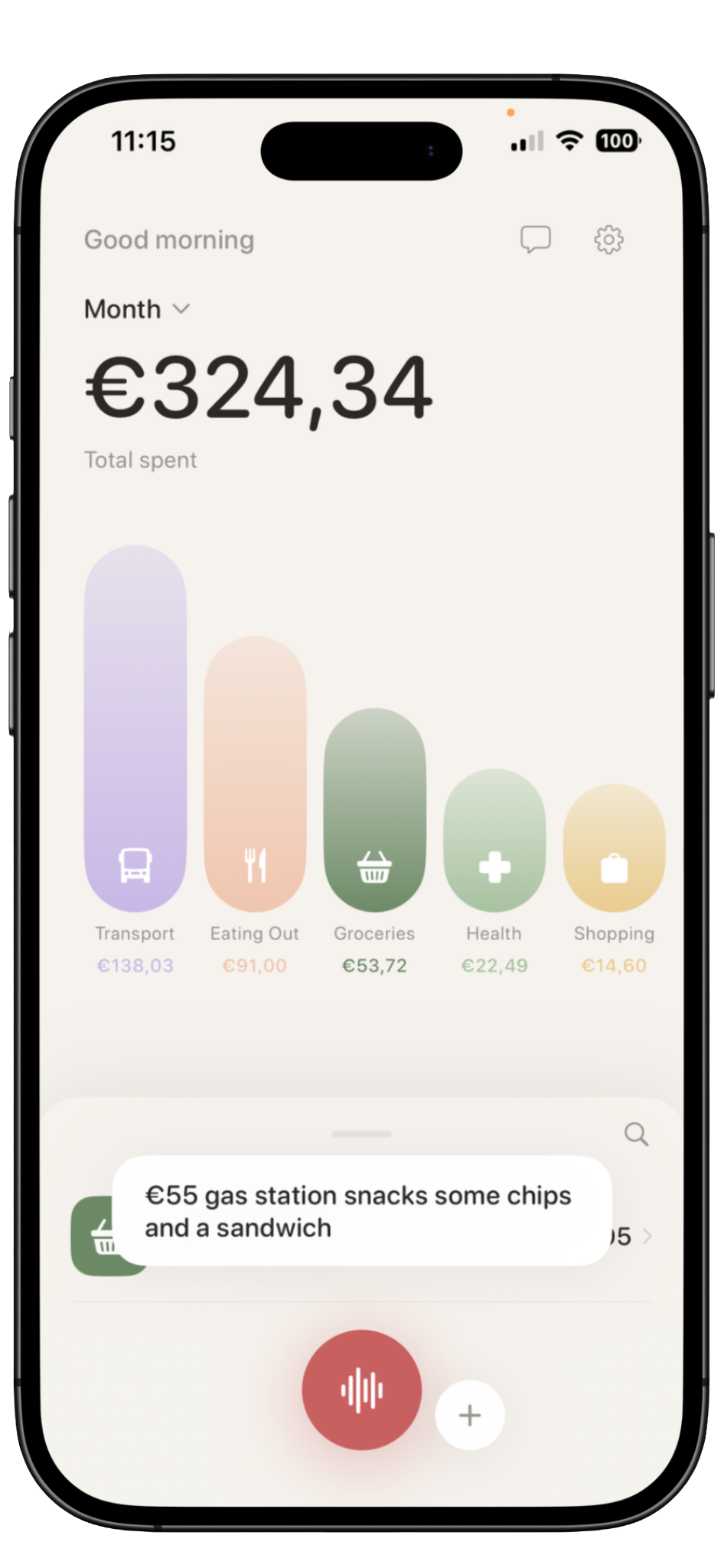
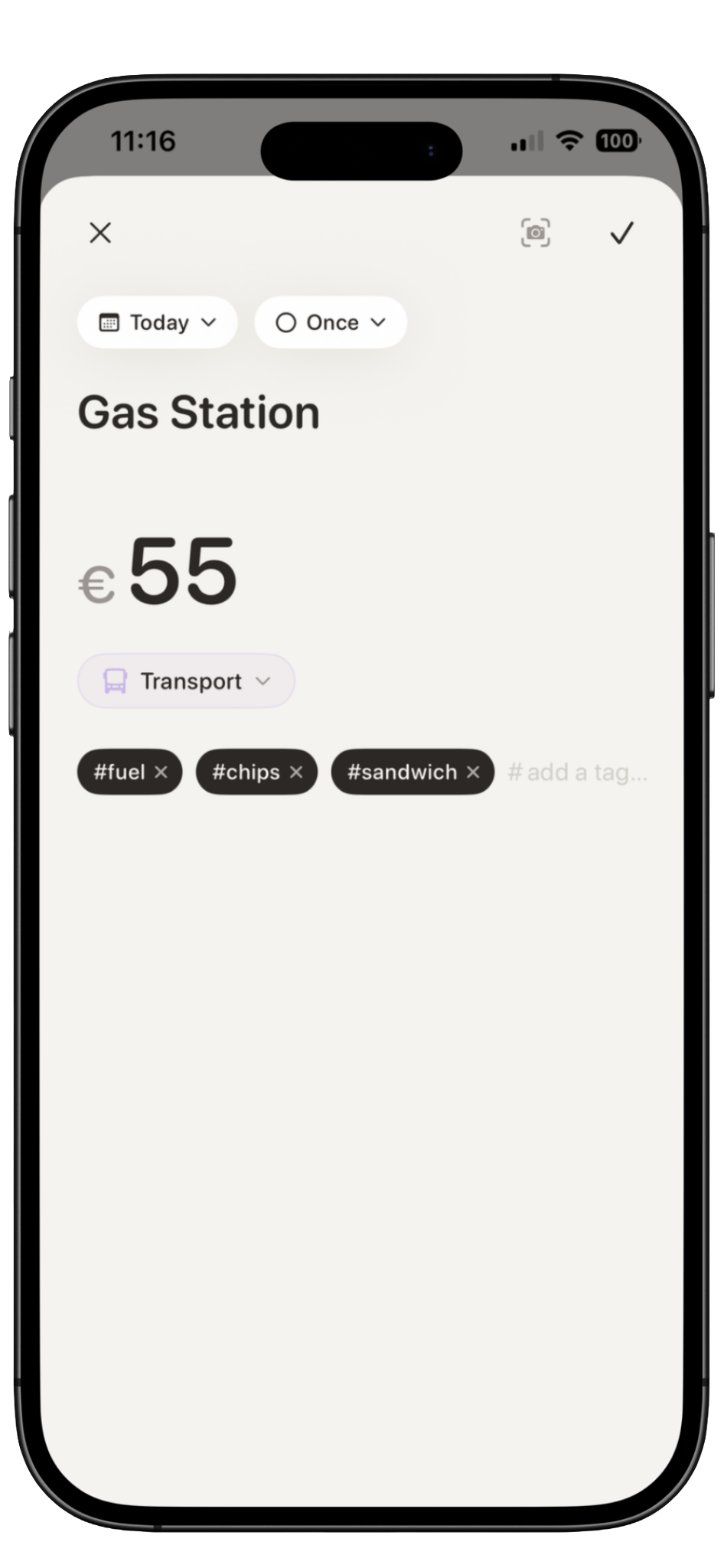
Say something like "Spent €12 at Lidl" and Kira turns it into an expense with amount, merchant, category, and tags.

Kira speak button ready to record Kira listening with speech bubble Kira expense created from voice input
02

Snap receipts

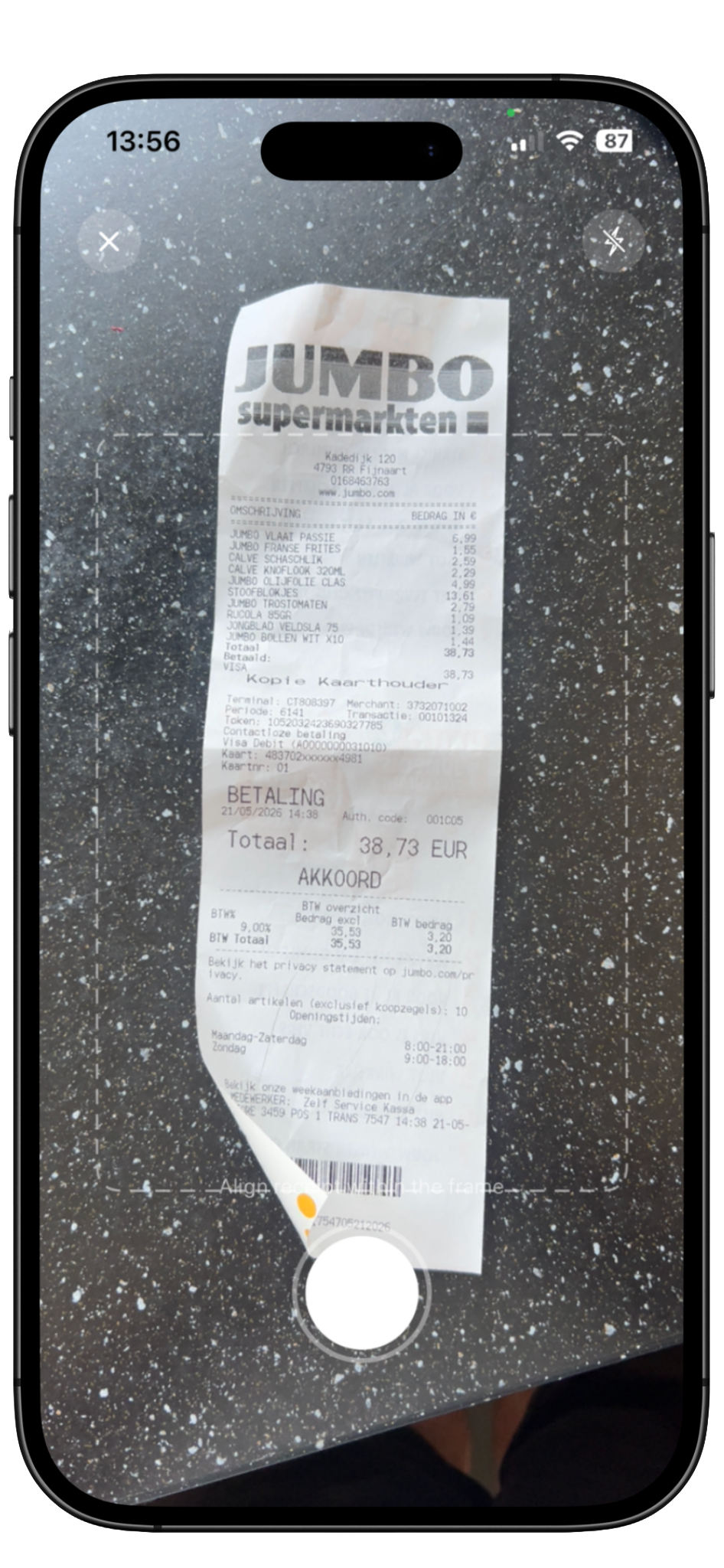
Take a photo of a receipt and Kira extracts the merchant, total, date, and category suggestion.

Kira receipt camera scan screen Kira receipt scan result with parsed details
03

Add it manually

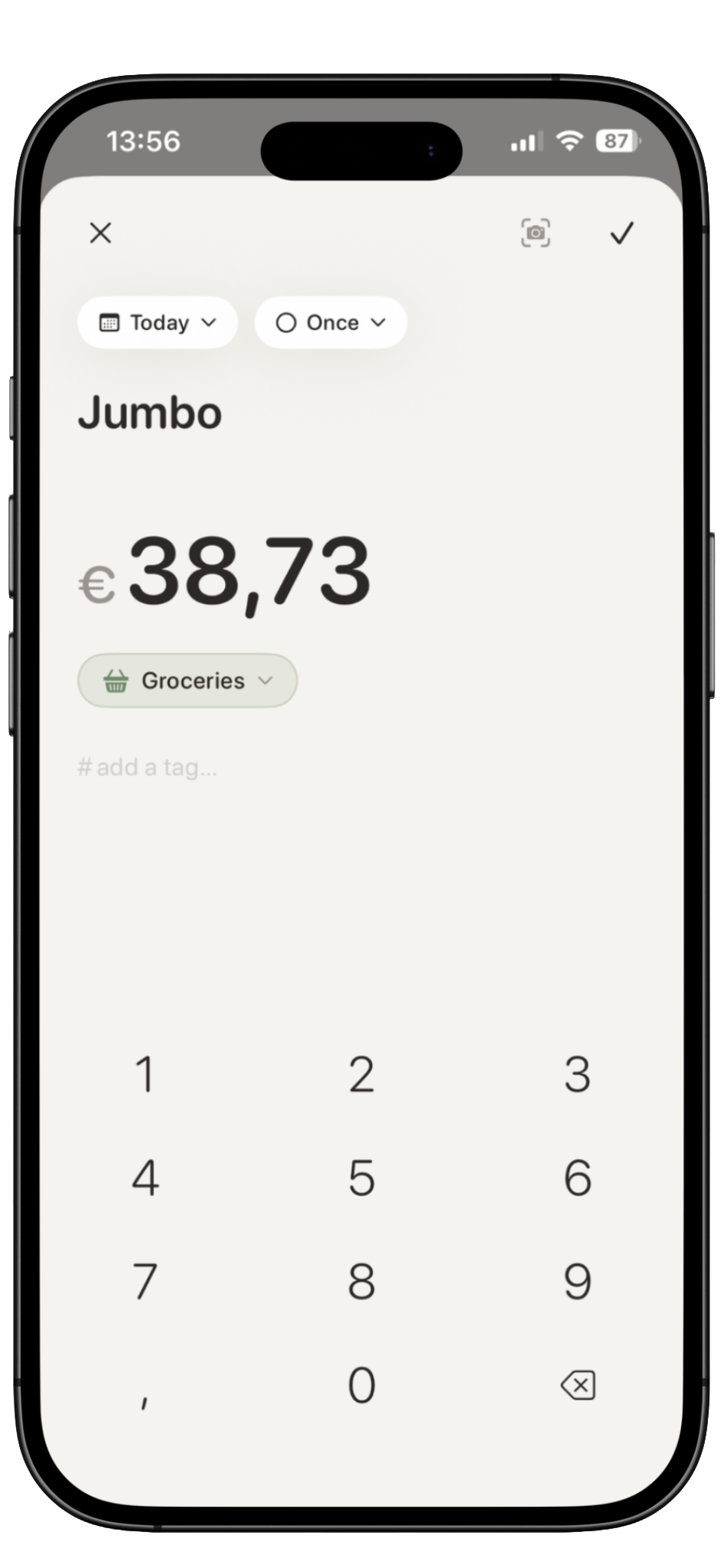
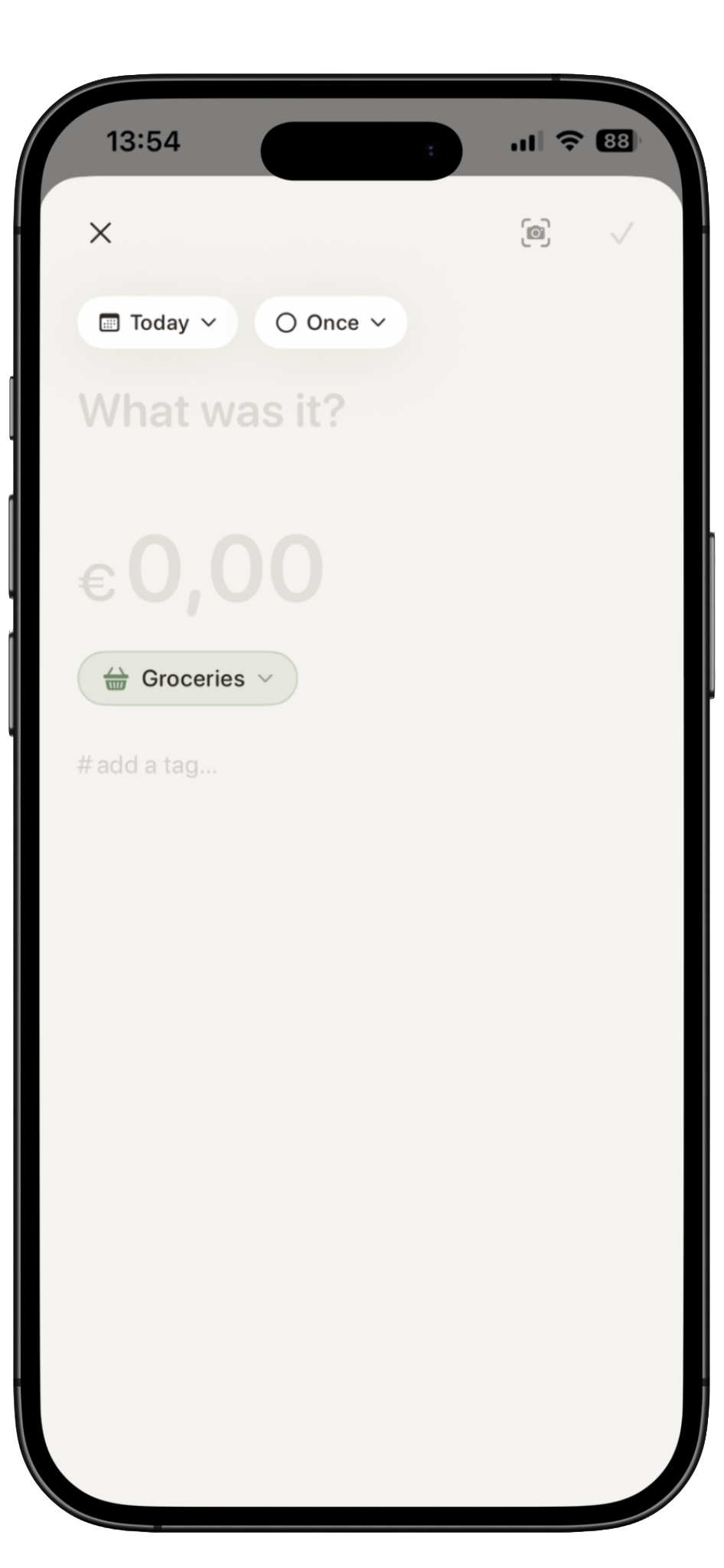
Prefer typing? Add the merchant, amount, category, date, and recurrence in a clean focused screen.

Kira manual expense entry screen

A spending overview that stays calm.

Kira avoids overwhelming dashboards. Your home screen gives you the essentials: total spent, category bars, and a smooth expense list you can expand when you need details.

  • Category bars show where spending goes
  • Expenses live in a smooth draggable sheet
  • Tap the total to open deeper statistics
  • Search and review entries without clutter
Kira main expenses screen with collapsed view Kira expanded expense list bottom sheet
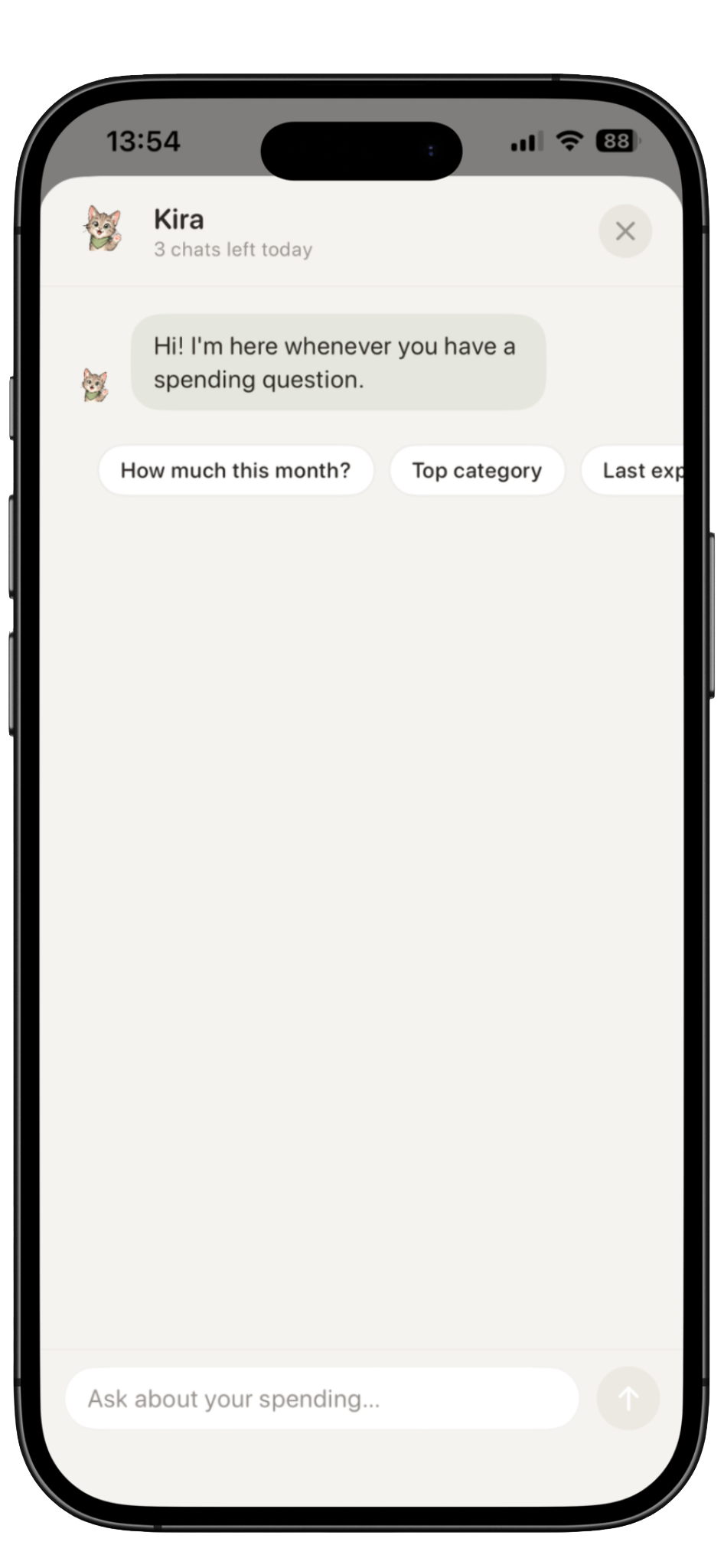
Kira AI assistant answering spending questions

Ask Kira about your spending.

Ask questions like "What was my top category this month?" or "How can I save €100?" Kira uses your local spending summary to answer clearly.

AI requests are stateless. Kira only sends the information needed for the current question.
  • Ask spending questions in plain language
  • Get category and trend explanations
  • Free plan includes daily AI messages
  • Premium unlocks more smart help

Set gentle limits without spreadsheet stress.

Add spending limits to categories and see when you are under or over. Kira keeps limits visual and lightweight.

  • Category limits with Premium
  • Unlimited limits with Premium
  • Visual progress per category
  • No complex budgeting setup
Kira category spending limits screen

Optional Apple Pay Shortcut support.

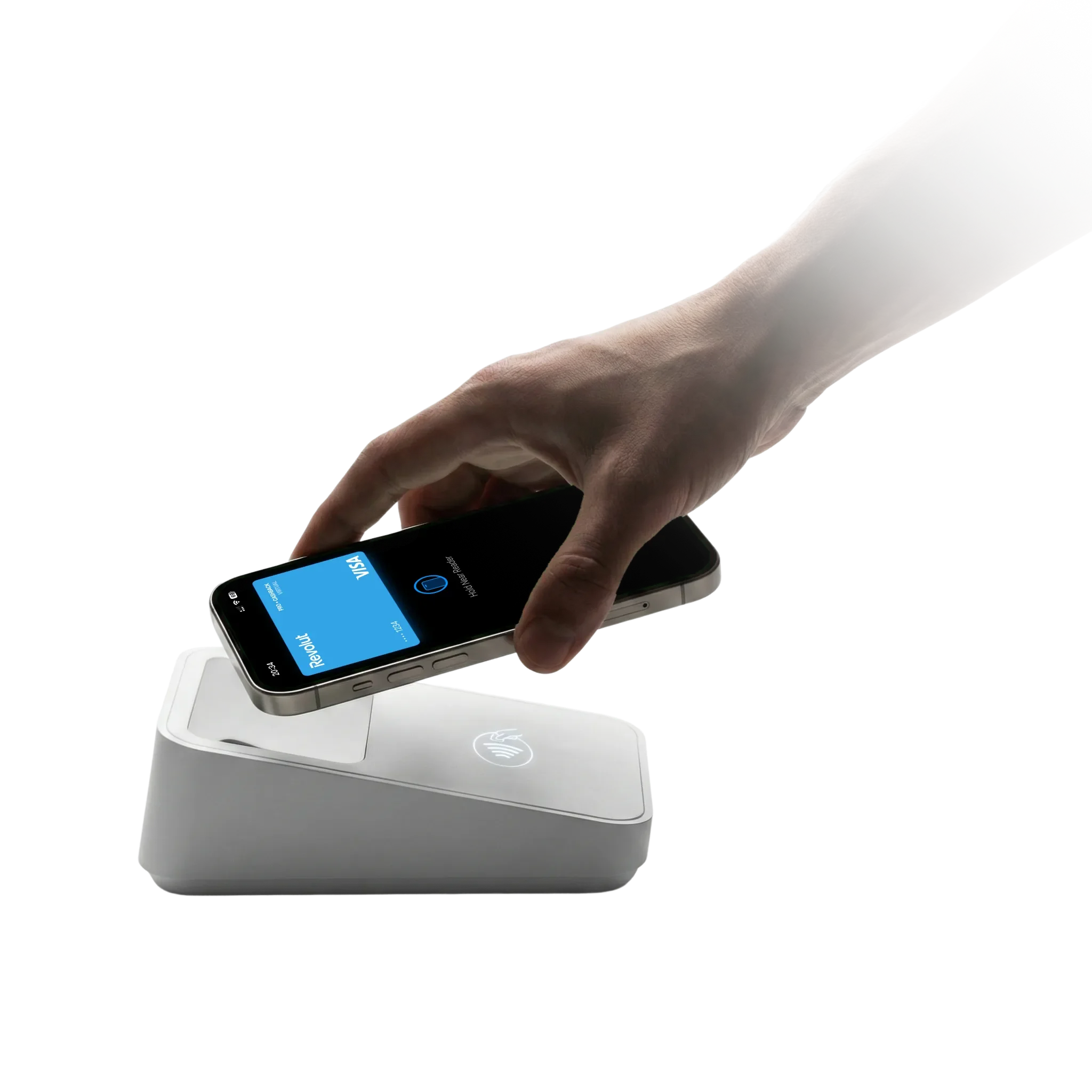
Apple does not allow apps to read Wallet transactions directly. Kira can still help through iOS Shortcuts, so Apple Pay transactions can open a quick review flow.

  • Uses iOS Shortcuts
  • No bank login required
  • Review before saving
  • Premium automation feature
Apple Pay Shortcut integration in Kira

Private by design. Local-first by default.

Kira stores your core expense data on your device. AI features are optional and use stateless requests through a secure proxy, with only the minimum information needed for that action.

🔒

No bank connection required

Kira does not need your bank login to work.

📱

On-device first

Receipt text is extracted locally before AI is considered.

Stateless AI

AI requests are used for the current action only.

📤

Export your data

Kira lets you export your expenses.

Free to start. Premium when you want Kira to do more.

Kira's free plan is useful for everyday tracking. Premium unlocks more smart input, receipt help, category limits, automation, and deeper insights.

Free

Essential tracking

Everything you need to get started.


Unlimited manual expenses
Basic local tracking
5 smart voice parses per day
3 AI chats per day
3 AI receipt helps per month
Free
Premium

Full Kira experience

More smart input, limits, and insights.


Everything in Free
More smart voice parsing
More AI assistant messages
More AI receipt help
Unlimited category limits
Apple Pay Shortcut automation
Advanced insights
Export features
€4.99 / month
or €29.99 / year Best value

Generous Premium usage with fair use protection.

Happy Kira cat mascot

Named after Kira.

Kira is named after a very special cat who brought calm and warmth into everyday life. This app carries a little of that spirit: simple, gentle, and always on your side.

Start tracking with less effort.

Coming soon to the App Store